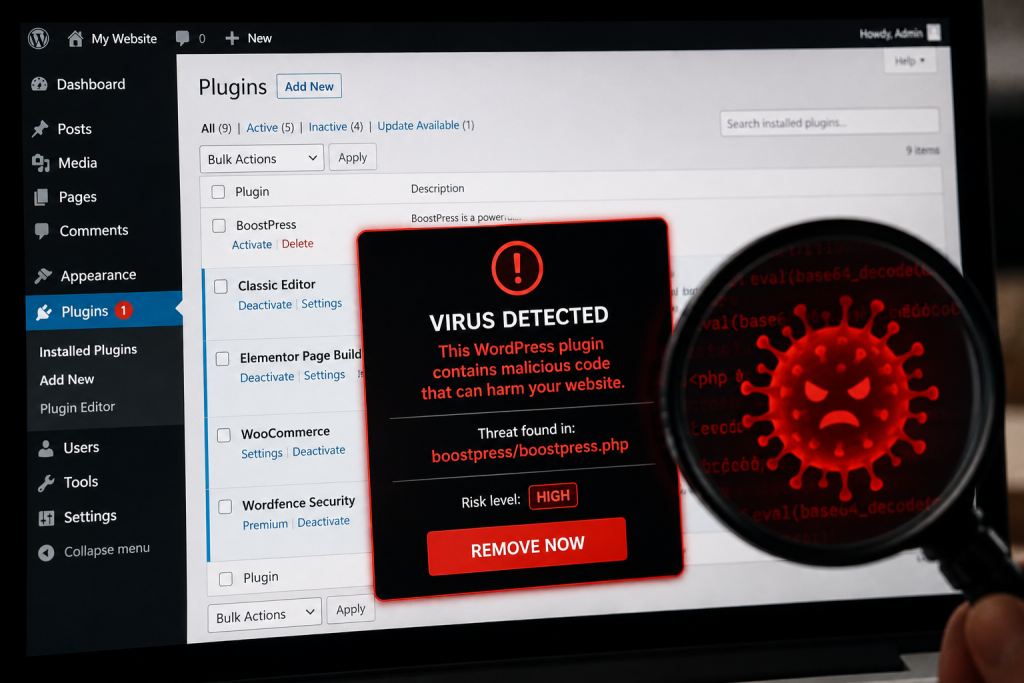
You often hear us say: “Update everything straight away to stay safe!” But what happens when criminals buy the developer and the plugin itself in order to hide a backdoor in the code? This was one of the most sophisticated “supply chain” attacks in WordPress history.
Trust as a weapon
Security experts (including Wordfence and Sucuri) uncovered a startling network: a group linked to a British “businessman”, Mason Soiza, systematically bought up dozens of popular but neglected WordPress plugins. Their aim was not to improve the software but to take control of its huge user base – more than 500,000 websites.
As soon as each deal went through, the plugins received a new version in the official WordPress.org directory. Unsuspecting site owners updated – and in doing so willingly let the malicious code onto their servers.
The “blacklist”: plugins affected by the attack
If you use any of the plugins in the list below and haven’t touched them for years, review them immediately! Many of them have disappeared for good, while a few (e.g. Simple 301 Redirects) have since been taken over by trustworthy developers and made secure again.
Plugins affected by the Soiza network:
- Display Widgets (The centre of the scandal – permanently removed)
- 404 to 301 (Redirect plugin)
- WP-Slimstat (Analytics tool)
- XreCAPTCHA (Spam protection)
- Simple 301 Redirects (SEO helper)
- Meks Easy Ads Widget (Ad manager)
- Financial Calculator (Financial calculations)
- Easy Config (Settings manager)
- Seamless Sticky Custom Post Types
- Custom Post Type Cleanup
- Fast Page Layout
- My Custom CSS
- No Follow All External Links
- Social Media Follow Buttons Bar
- WordPress Speed Up
- Constant Contact Forms (Affected versions only)
- Join.me Desktop Sharing
- Newer Post Gas
- Advanced Menu Widget
How did the “backdoor” work?
The attackers didn’t set out to cause visible damage; instead they used the websites for SEO spam. The backdoor hidden in the code allowed them to do the following:
- Invisible links: The plugins downloaded dubious adverts (gambling, pharmaceuticals) from external servers and showed them only to Google’s search crawlers. The owner saw nothing, while in Google’s eyes their site had turned into a “spam farm”.
- Remote code execution: They could send any command to the infected website, including creating new admin users.
- Data harvesting: They gained access to visitor data and the site’s configuration files.
How can you protect yourself against “bought-up” plugins?
This type of attack is frightening because it used the official WordPress.org repository as a Trojan horse. Even so, there are warning signs:
- Sudden change of ownership: If a plugin’s developer name changes unexpectedly (e.g. it passes from an individual to an unknown marketing company), be suspicious.
- Suspicious changelog: If an update’s description is vague (e.g. just “Bug fixes” or “Minor update”) while the plugin had been dead for months, wait a few days before updating.
- Fewer plugins = lower risk: Every installed plugin is another potential gap in the wall. Keep only what is essential!
- Integrity checking: Use a tool that monitors file changes and alerts you if a plugin’s code changes in an “unexpected” direction.
Timeline of the attack
- Acquisition – systematic buying-up of neglected plugins (Mason Soiza’s network).
- Releasing the “update” – a new version in the official WordPress.org directory, with a backdoor.
- The trap closes – unsuspecting owners update; 500,000+ sites affected.
- Exploitation – SEO spam, remote code execution, new admin accounts, data harvesting.
- Exposure – Wordfence and Sucuri unravel the network.
30+
plugins bought up
500 000+
websites affected
19
named plugins on the blacklist
How to recognise a bought-up plugin
- A sudden change of owner on the plugin's page
- A suspicious changelog – just “Bug fixes” on a dead plugin
- Fewer plugins = lower risk: clear out regularly
- Integrity checking: a file-change monitoring tool (e.g. WPShield)

If you manage several websites, checking them by hand can take hours
WPShield’s central monitoring flags it straight away if we find an outdated or risky plugin on any of your sites, so you can act before the bots find the gap.